
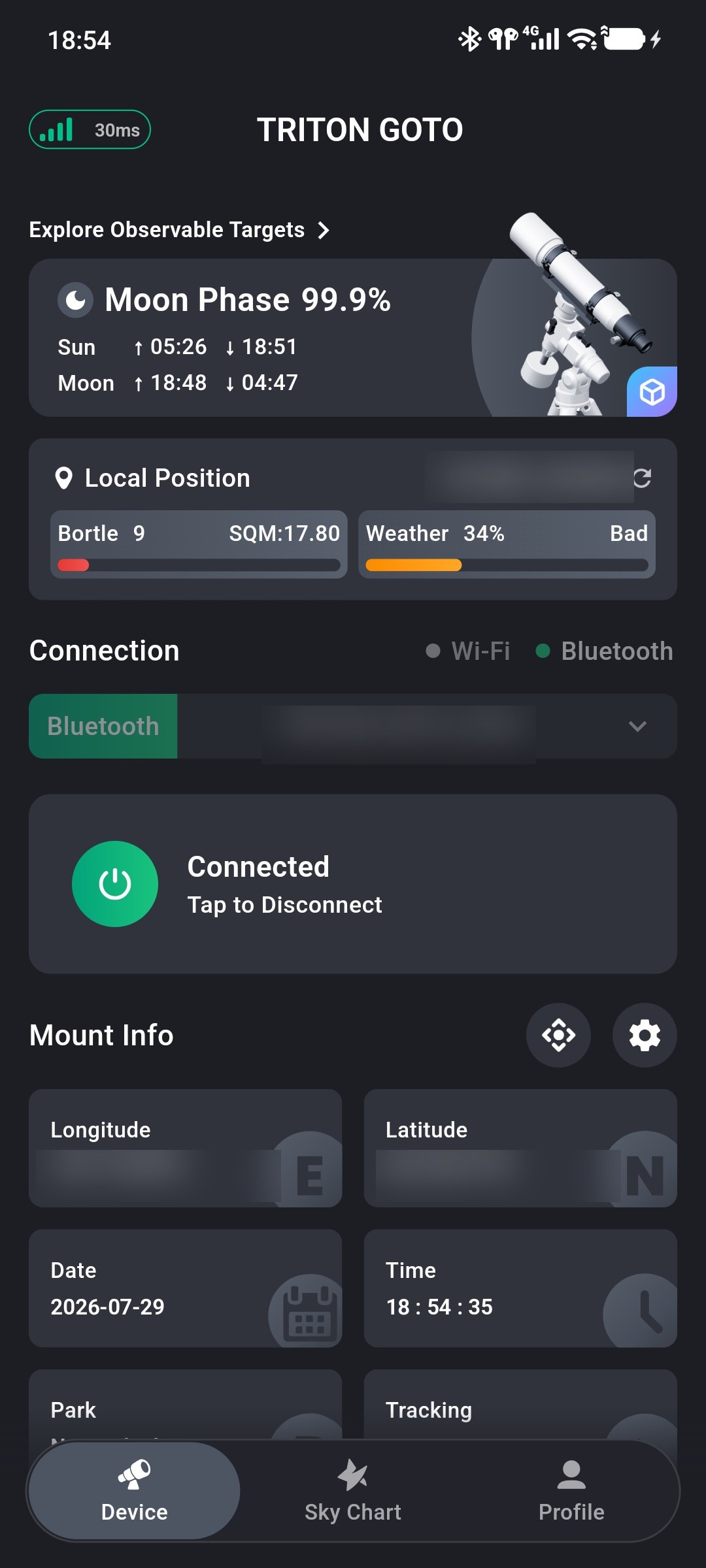
TRITON GOTO for iOS and Android is a mobile control App for astronomy mounts that use ONSTEP. It provides a unified interface for connecting to and operating a compatible mount.
TRITON GOTO combines connection management, mount controls, status information, and observing tools, with support for both ONSTEP and ONSTEP X.
This guide covers the main workflow: connecting the mount, setting its time and location, performing three-star and polar alignment, finding targets in the Sky Chart, and controlling the mount.
Begin with Download and Installation, then follow Connect TRITON GOTO to ONSTEP.
TIP
This guide is written for App version 2.0.3. Layout and functionality may differ in other versions; refer to the current App interface when they do.
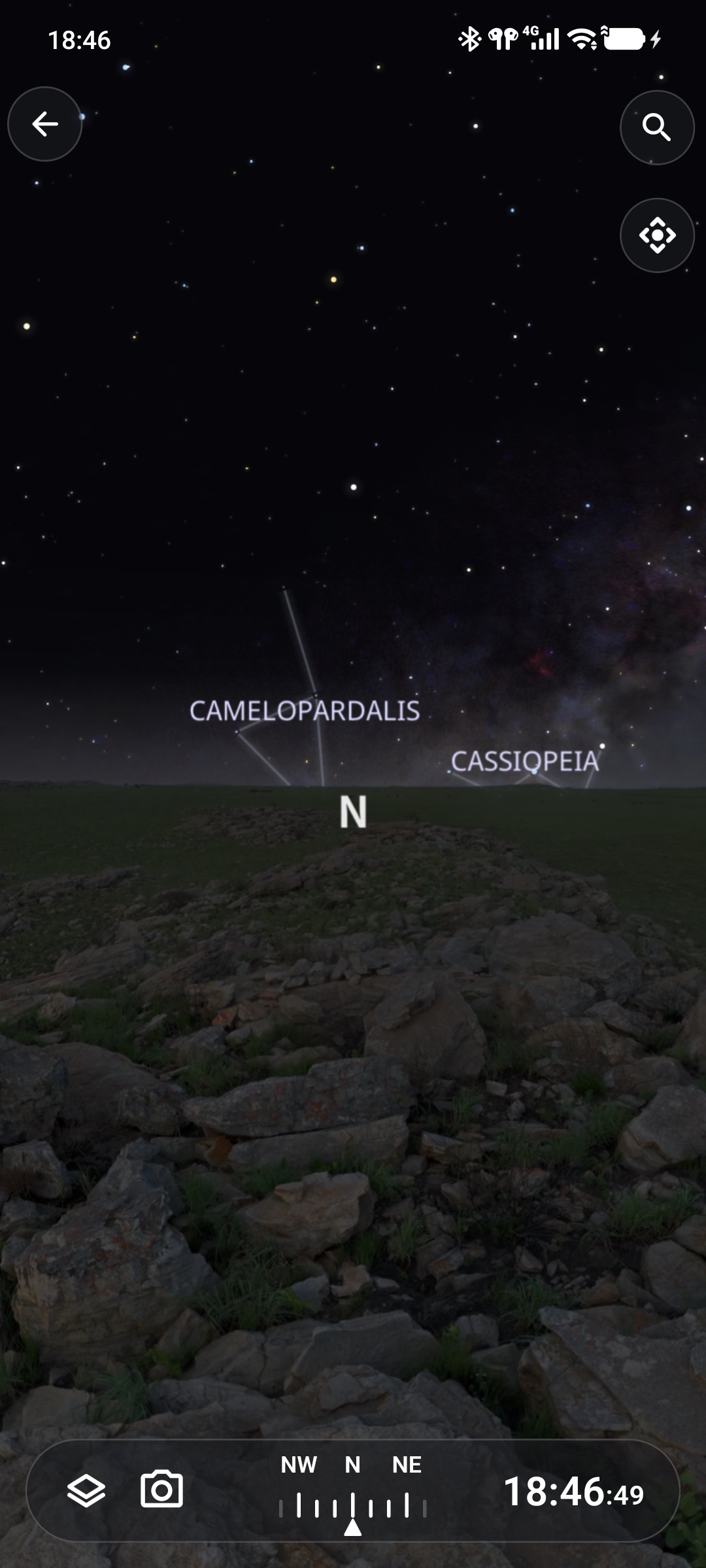
Built-in Sky Chart
TRITON GOTO includes a Sky Chart alongside ONSTEP controls, so target selection, alignment, and mount operation can be completed without repeatedly switching between apps.
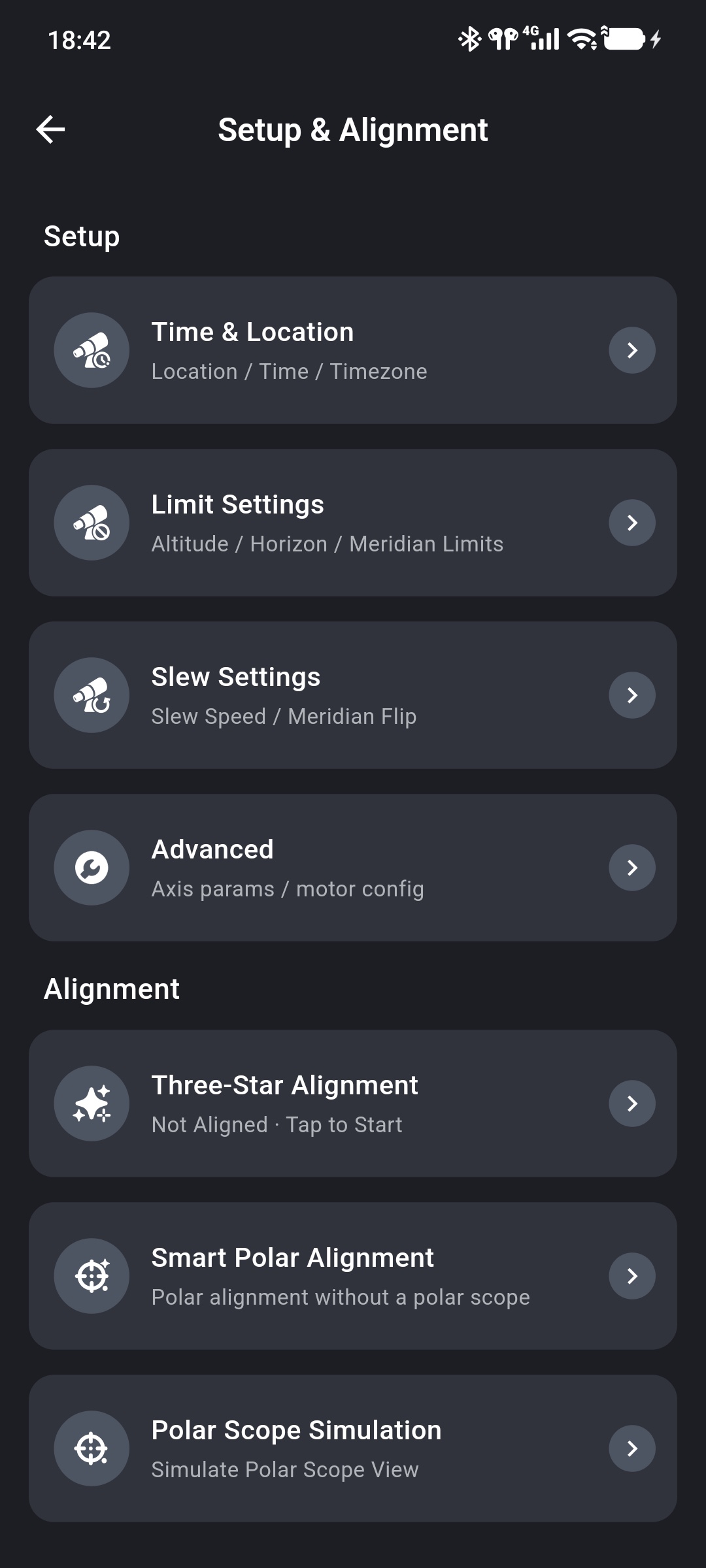
Three-Star Alignment and Smart Polar Alignment provide guided workflows for building a pointing model and correcting polar alignment.
Connection Options
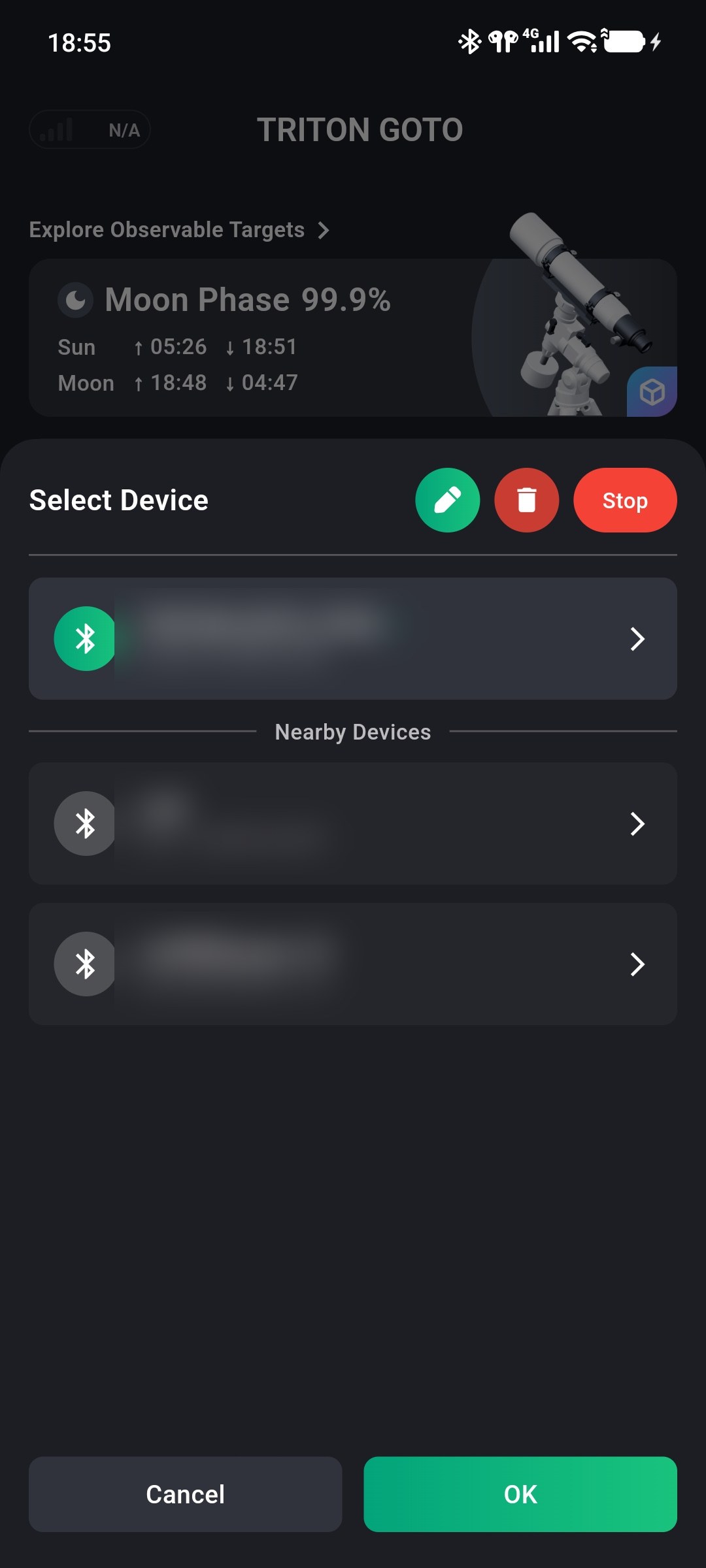
TRITON GOTO supports Wi-Fi and Bluetooth connections to ONSTEP mounts. Bluetooth devices can be given custom names and saved locally, making multiple devices easier to distinguish. See Mobile App Quick Start for the supported connection workflow.
Mount Status
The Device screen provides a single place to view and manage the current mount state, including commonly used coordinates, time, tracking, parking, rate, and error information. Device Information explains each status group and its related correction entries.
Setup and Alignment
TRITON GOTO organizes setup and alignment functions in a single screen, with direct entries for each supported workflow. Use Setup and Alignment as the entry point for time, location, limits, slew settings, and alignment tools.
If an operation or connection does not behave as expected, consult the FAQ.