
Slew settings control the maximum speed used for ONSTEP GOTO operations and how the mount flips near the meridian.
Open Setup & Alignment and select Slew Settings to view the current GOTO speed and meridian-flip settings.
Before you begin
GOTO and meridian flips slew the mount automatically. Before changing these settings, ensure that the optical tube, counterweights, and cables have adequate clearance on both sides, and complete Limit Settings.
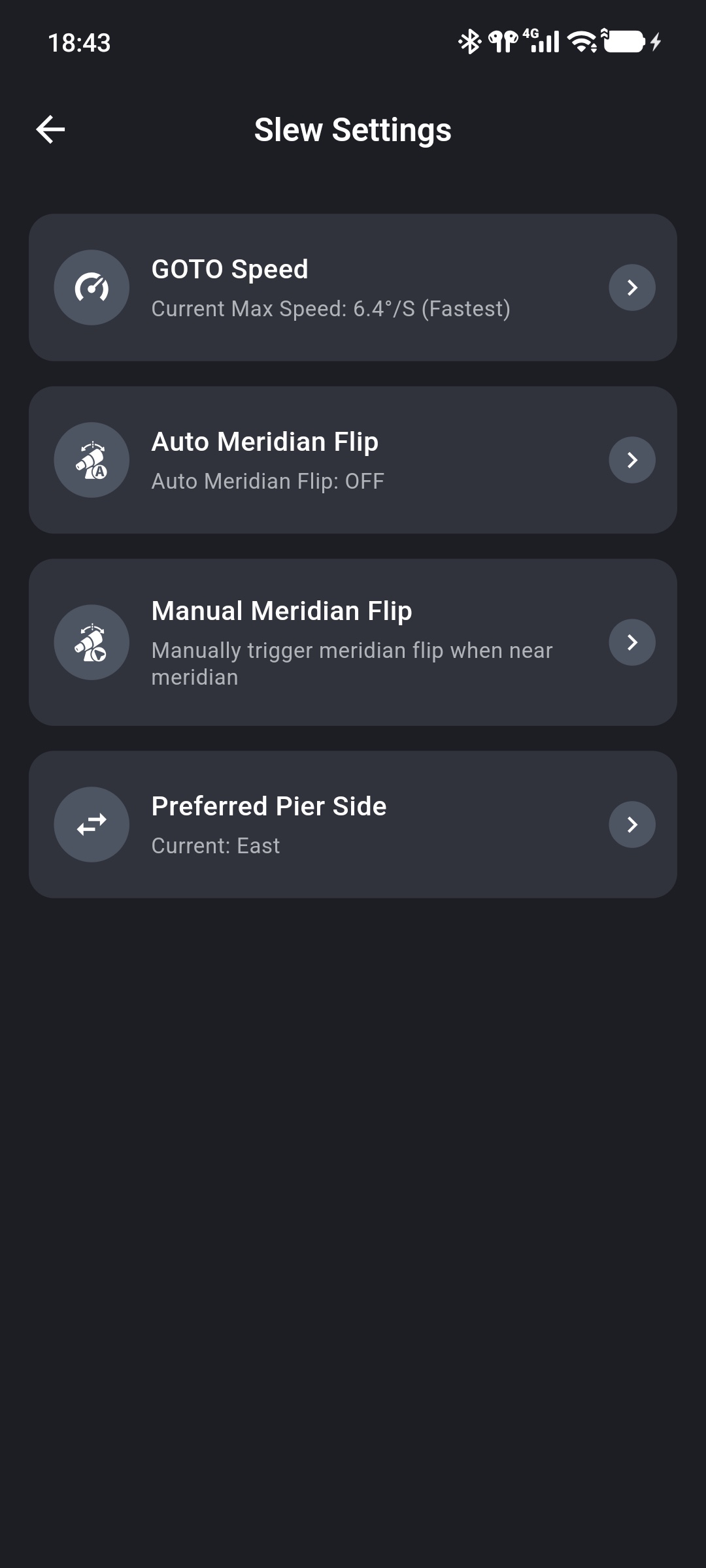
Set GOTO Speed
GOTO Speed is the maximum slew speed used for automatic GOTO slews. It affects GOTO only, not the manual slew rate in the control panel or the tracking rate.
Tap GOTO Speed to choose one of five levels:
- Slowest
- Slower
- Default
- Faster
- Fastest
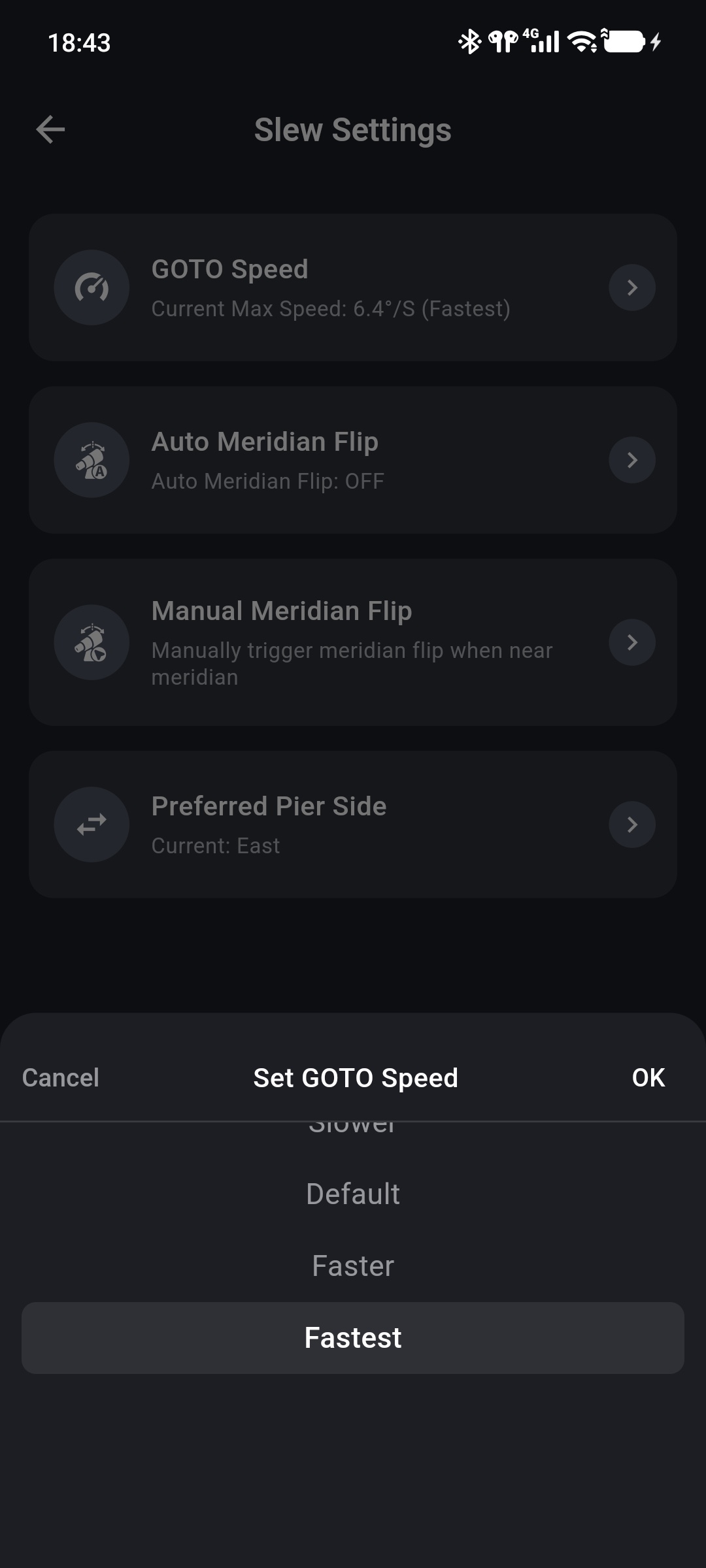
Select a level and tap OK. After GOTO Speed Set Successfully appears, the page shows the current maximum speed and level.
A lower level increases GOTO time but can reduce load during high-speed starts and stops. Reduce GOTO speed for a heavy optical tube, limited power supply, unusual noise, or motor stalls at high speed. Keep Default for initial operation and adjust it only after confirming stable movement.
Auto Meridian Flip
Auto Meridian Flip determines whether ONSTEP automatically moves a German equatorial mount to the opposite side when a tracked target crosses the meridian.
Tap Auto Meridian Flip, select On or OFF, and tap OK. The actual flip timing also depends on ONSTEP firmware and the east and west meridian limits.
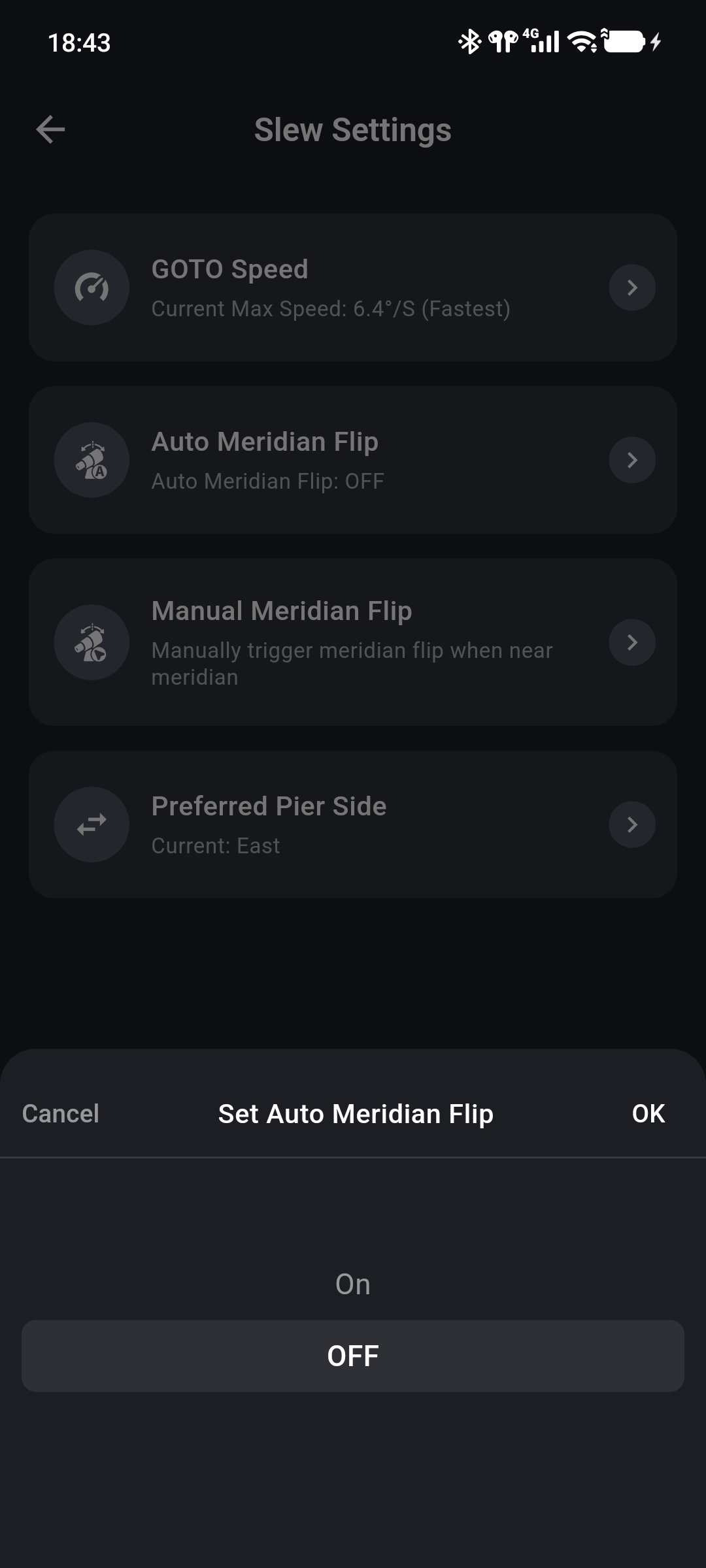
After first enabling automatic flips, observe a complete flip in person to confirm safe operation. Do not rely on automatic flipping alone to prevent collisions.
Manual Meridian Flip
Manual Meridian Flip sends an immediate request for ONSTEP to move the mount to the opposite pier side. The App first checks mount state and displays a confirmation when the operation is available.
A manual flip may be unavailable when:
- the mount is at home or parked;
- a GOTO is in progress;
- the mount is guiding;
- ONSTEP does not report a valid pier side, or the current firmware or mount does not support the operation.
Performing a manual meridian flip
After confirmation, the mount immediately begins a large slew. Ensure both sides are clear, leave adequate cable allowance, and watch the equipment until the flip is complete.
Preferred Pier Side
Preferred Pier Side configures ONSTEP's preferred side. The available options are:
BestEastWestAuto
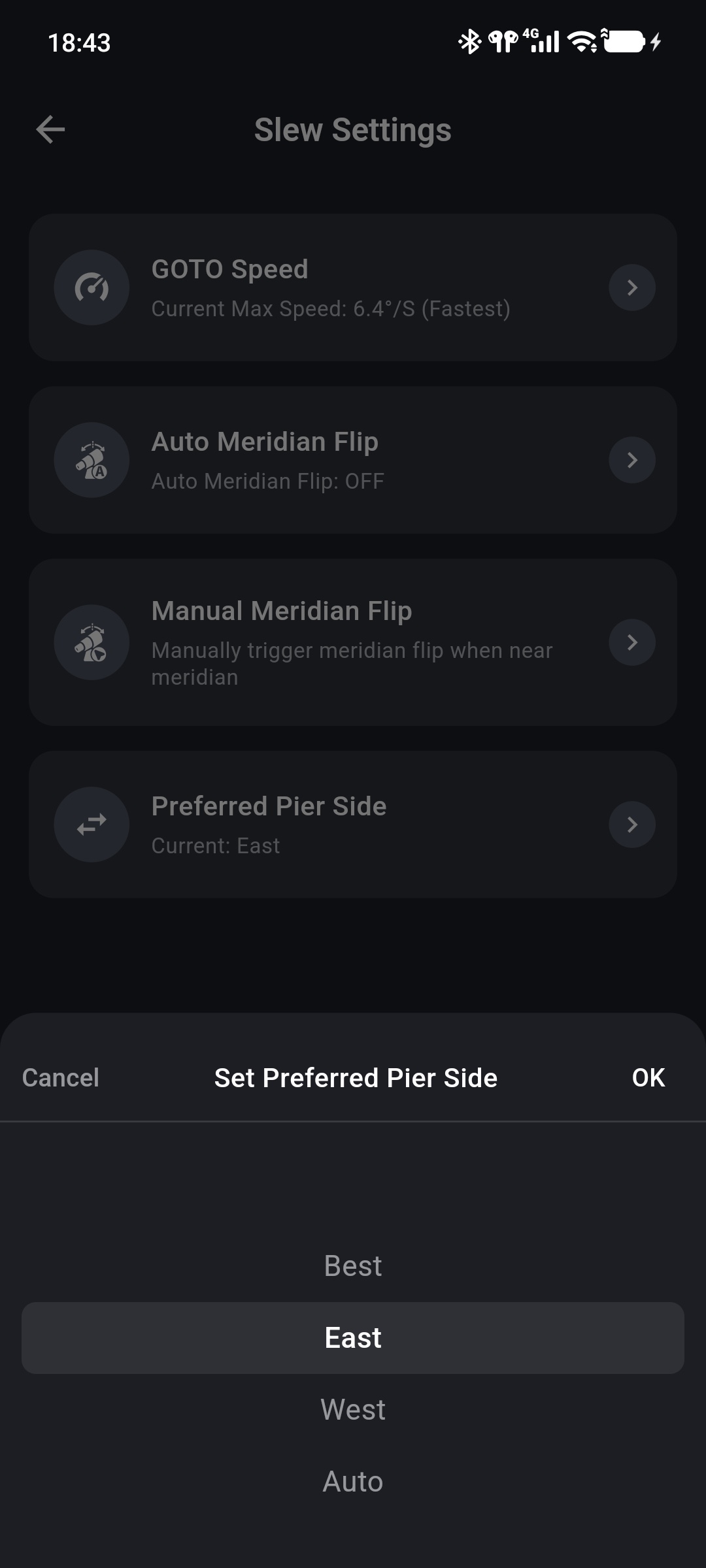
This setting affects how ONSTEP selects a pier side. Without a specific equipment requirement, retain the current value and consult the documentation for the ONSTEP firmware and mount.
Setup Failure
If setup fails or a meridian flip cannot run, check in order:
- Whether ONSTEP remains connected.
- Whether the mount is at home, parked, performing a GOTO, or guiding.
- Whether the east and west meridian limits match the physical mount configuration.
- Whether the ONSTEP firmware and mount type support meridian flips and pier-side configuration.